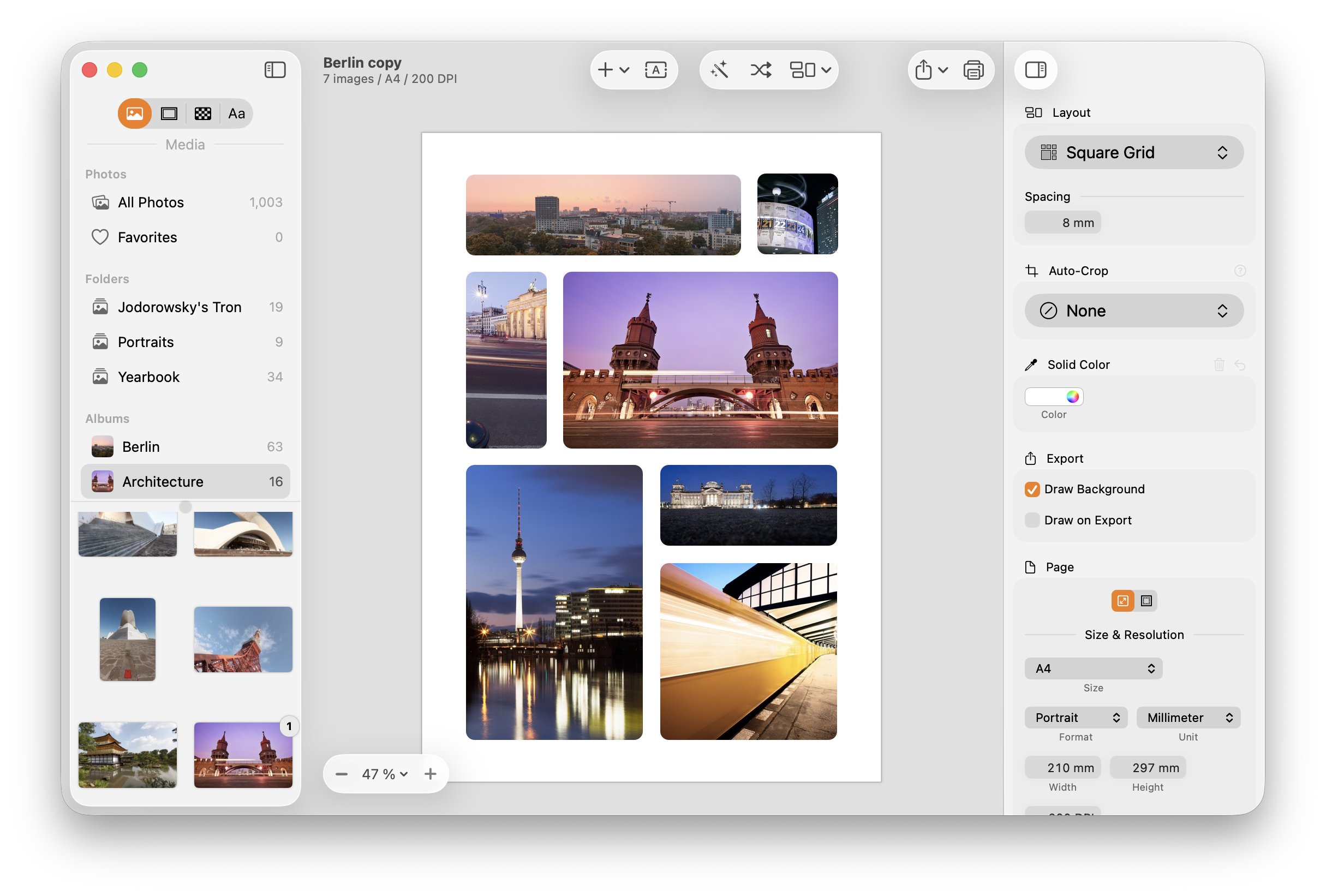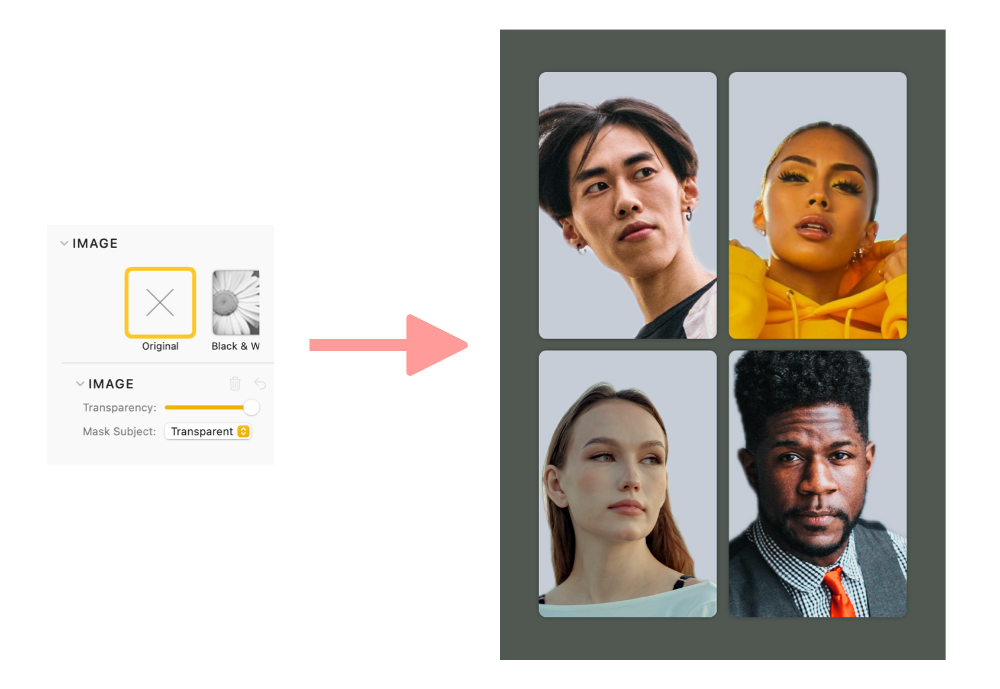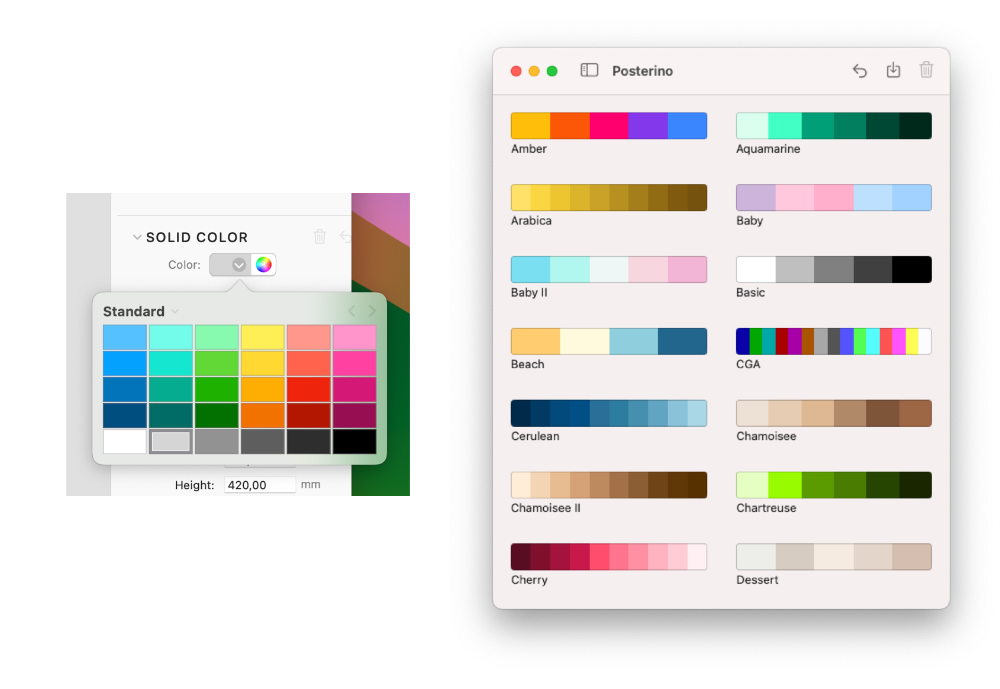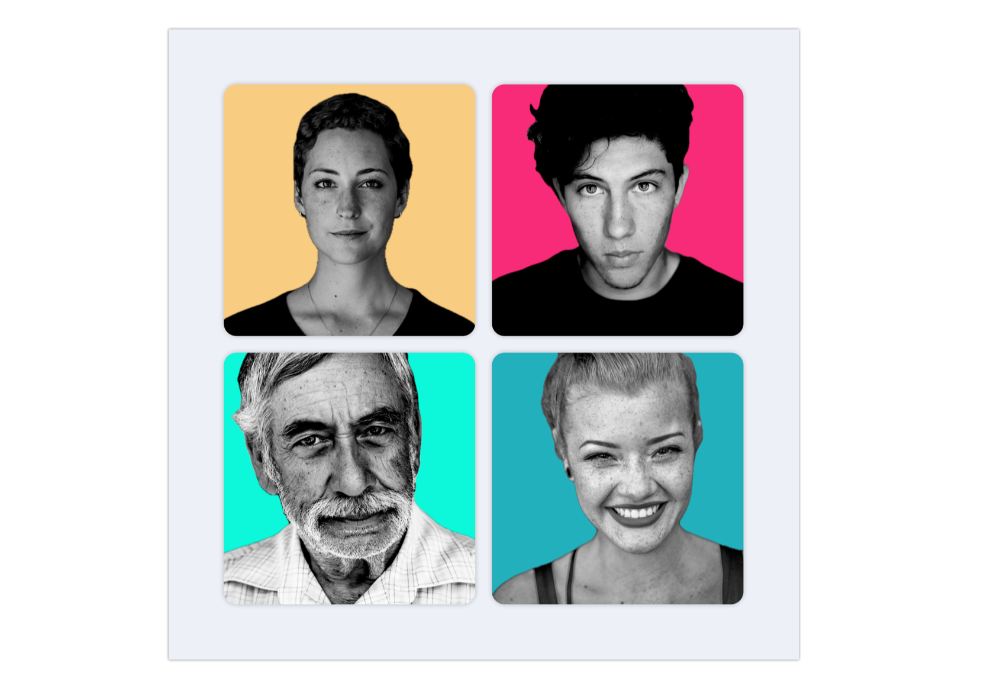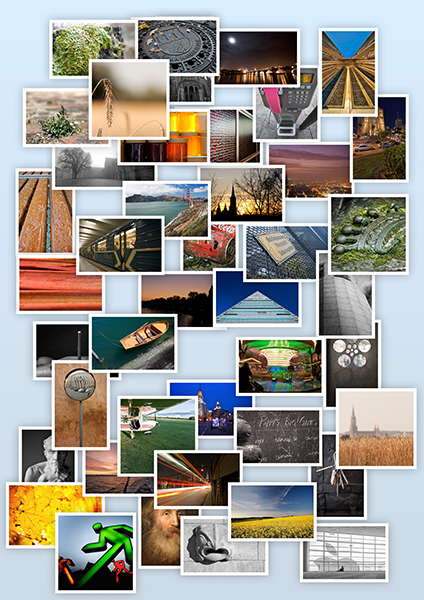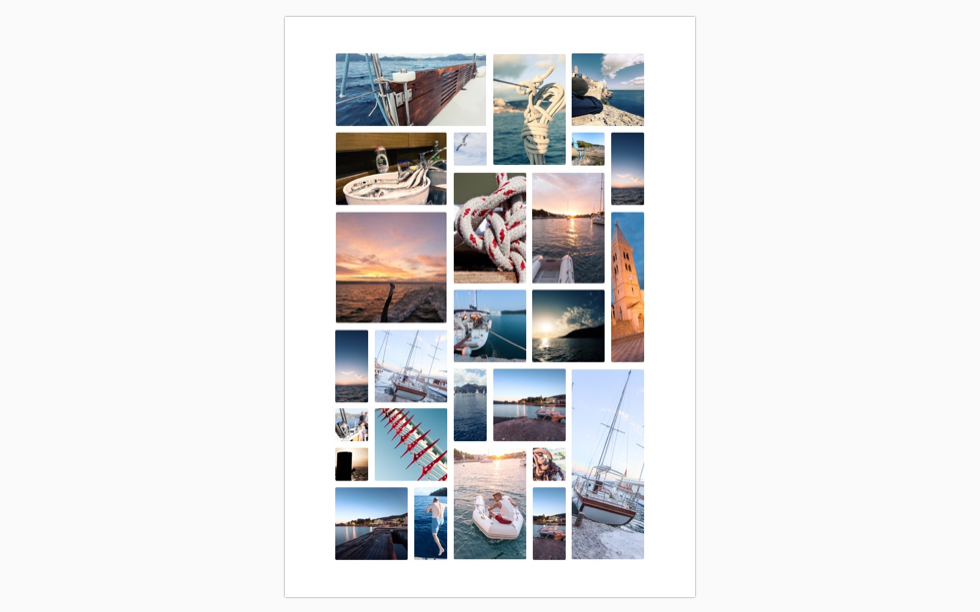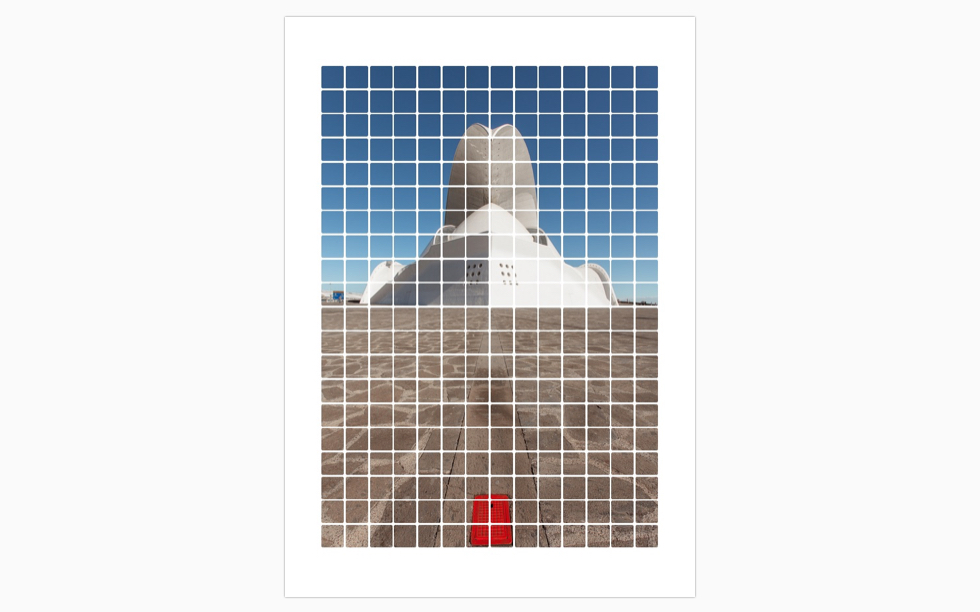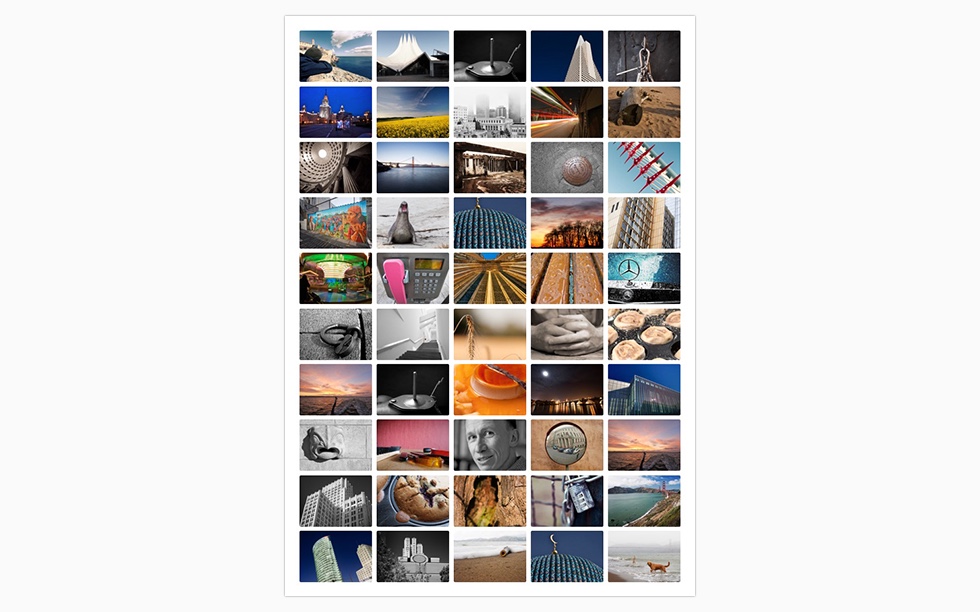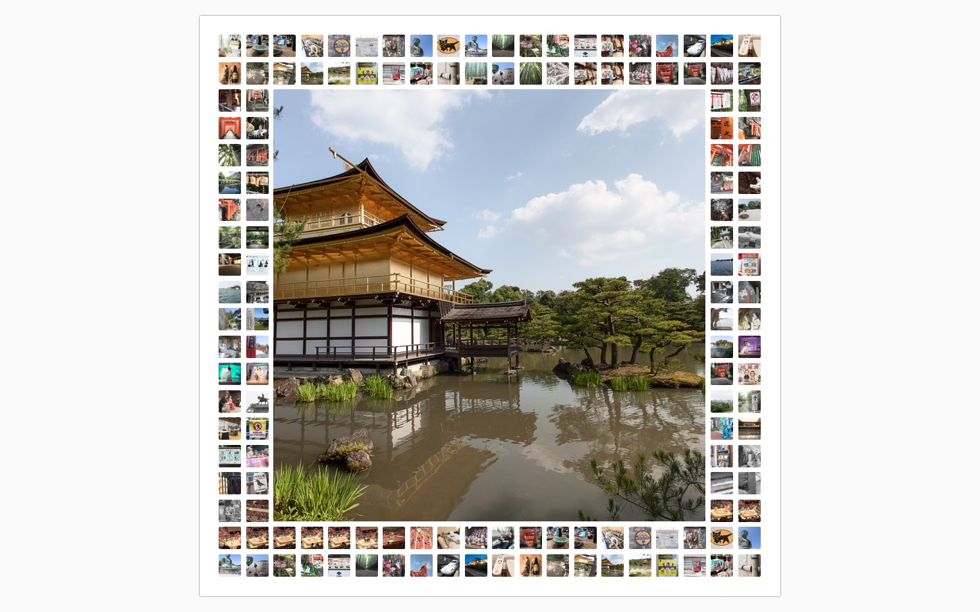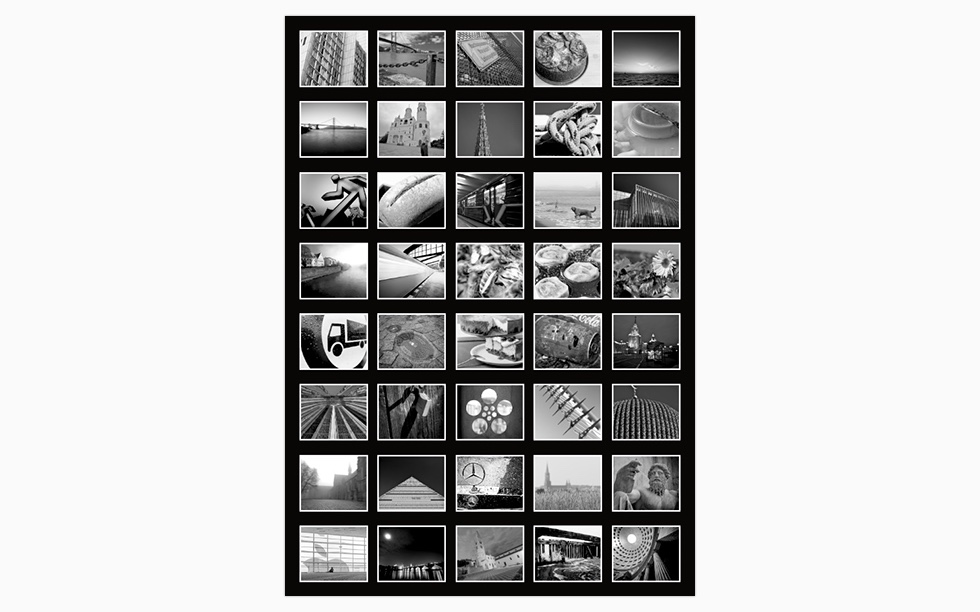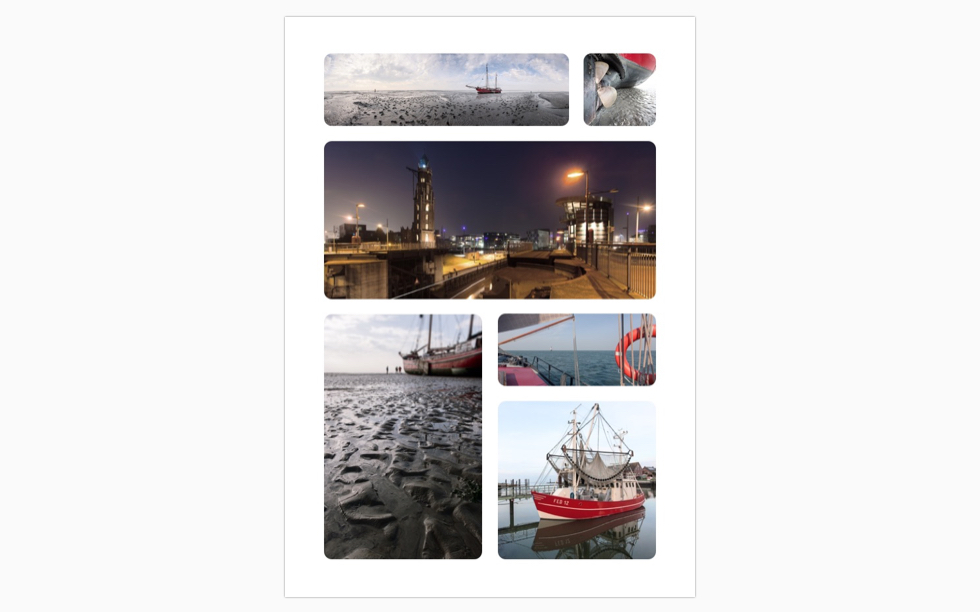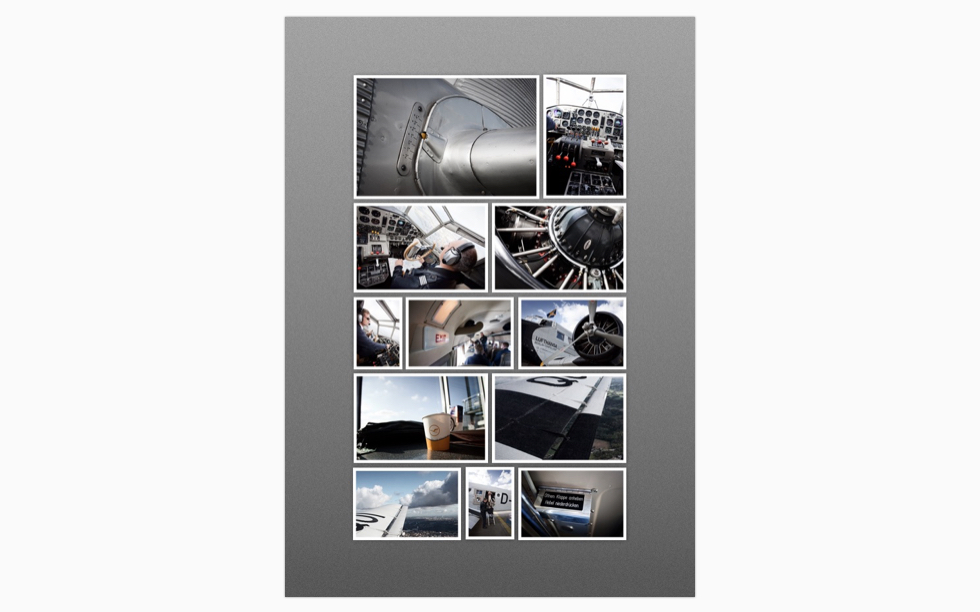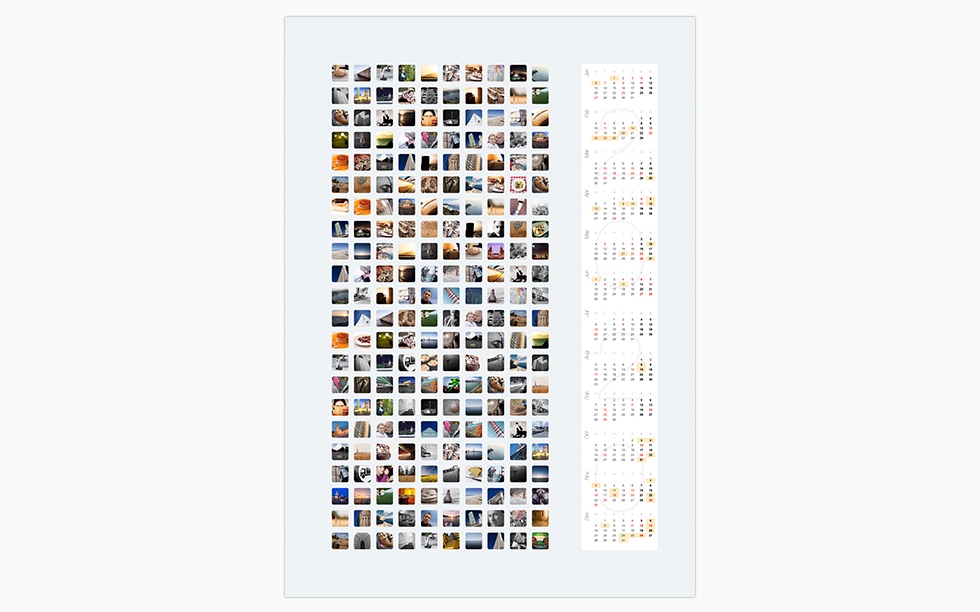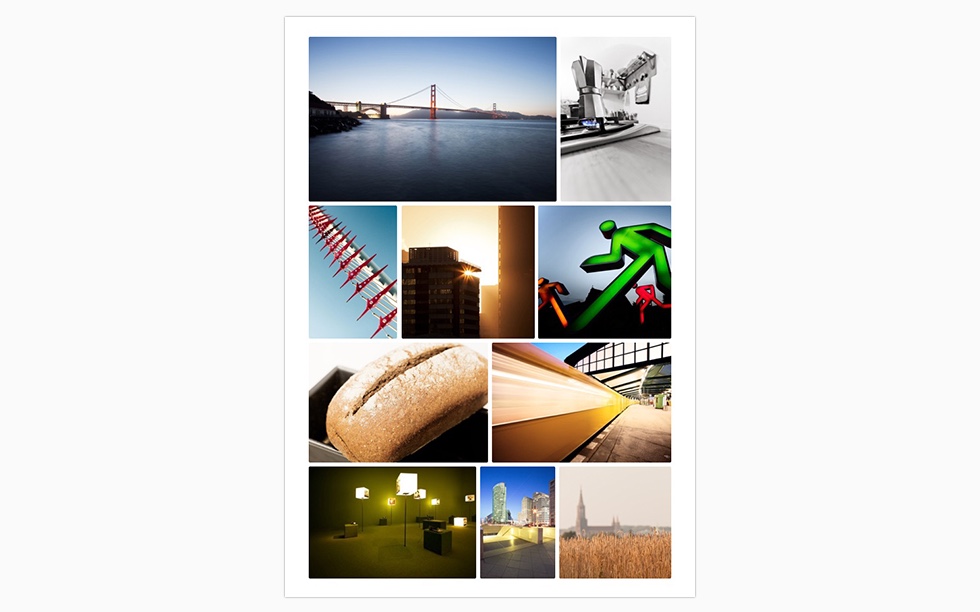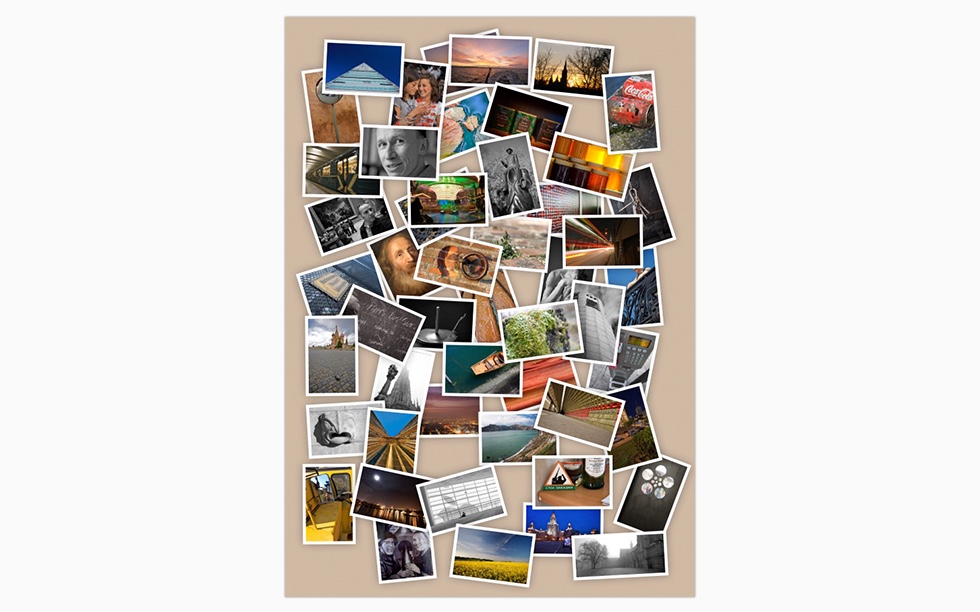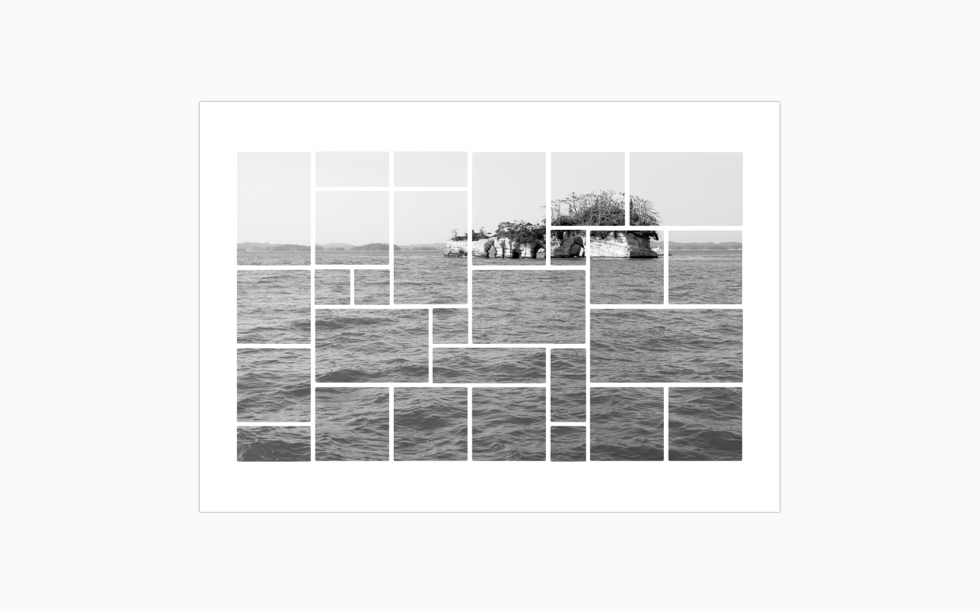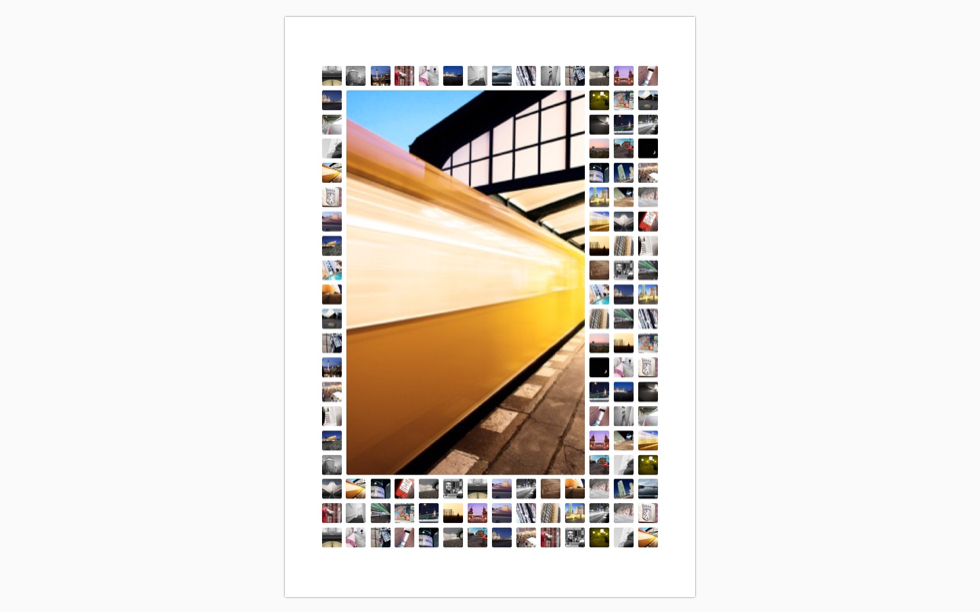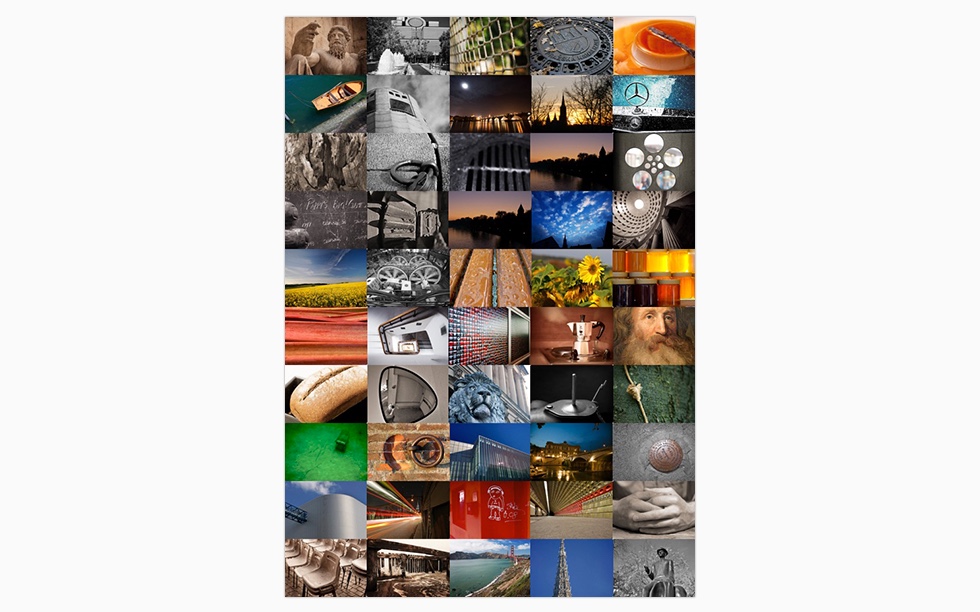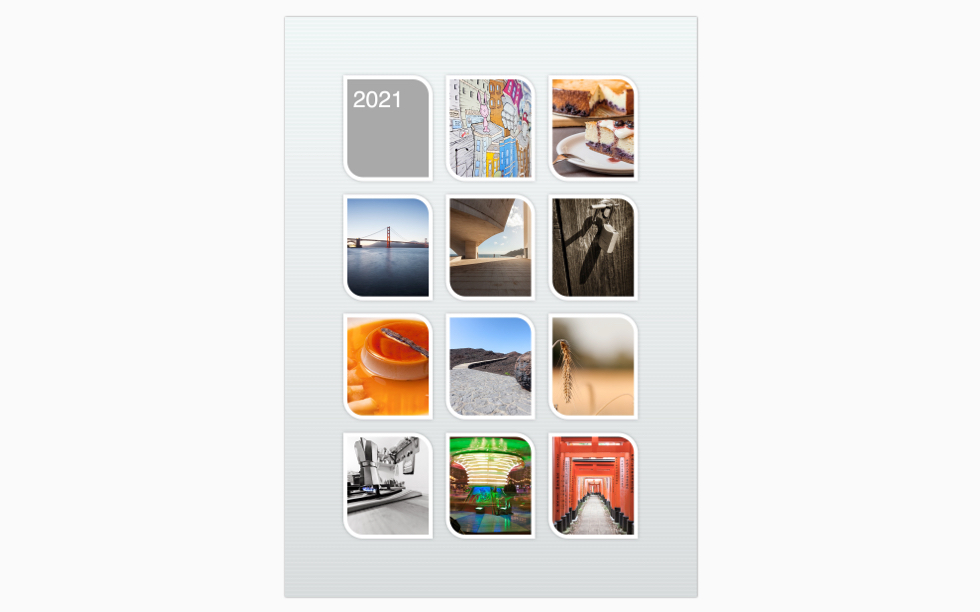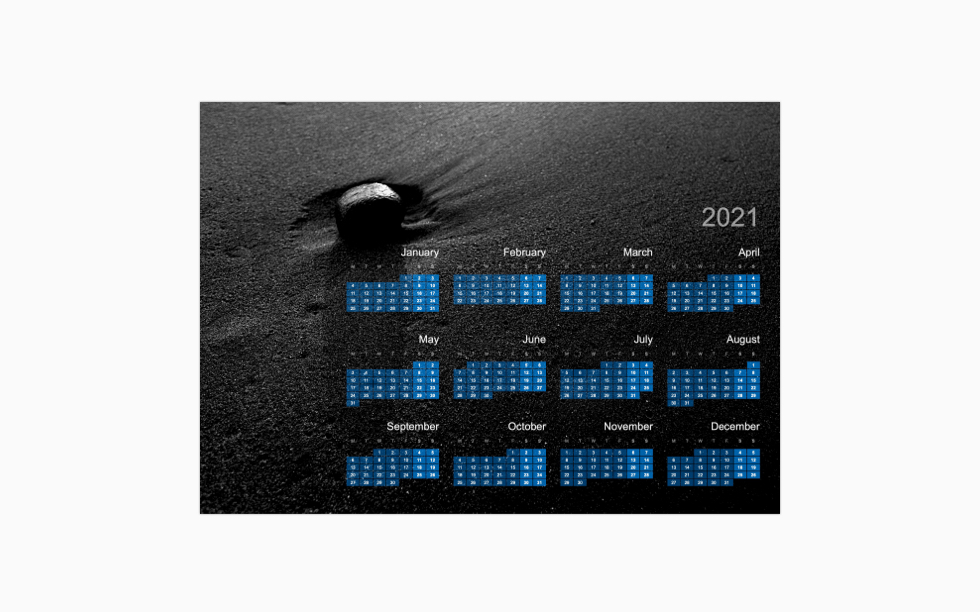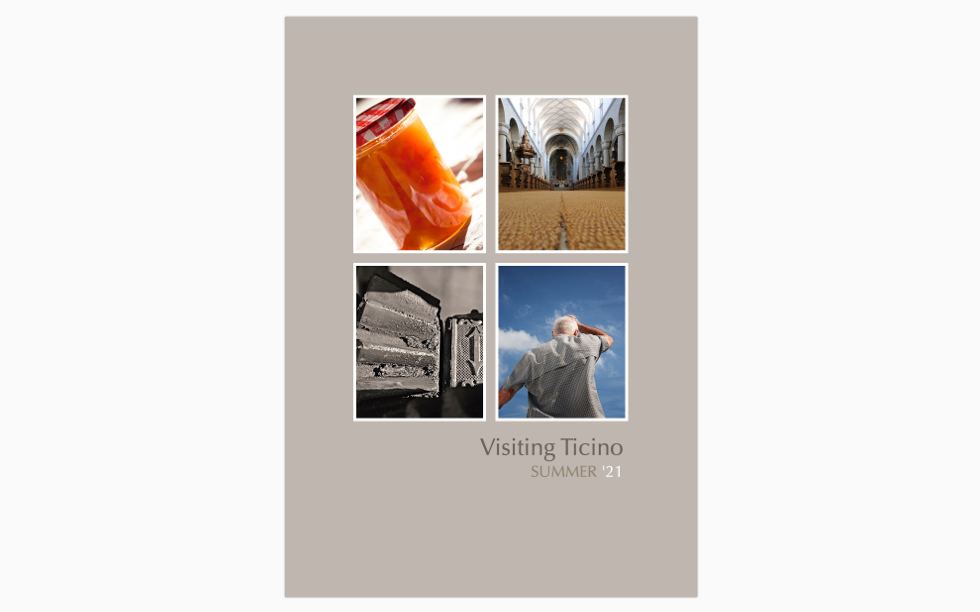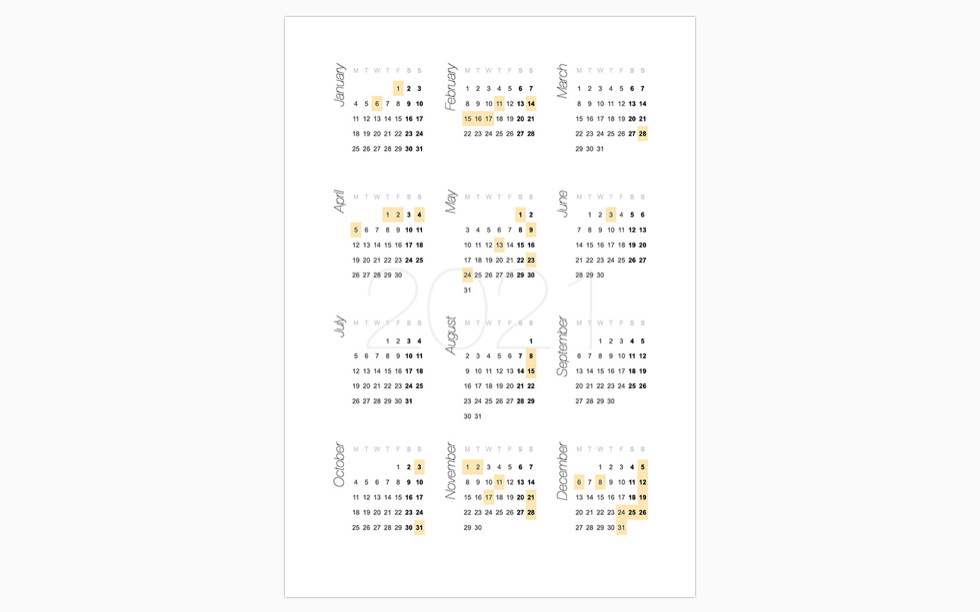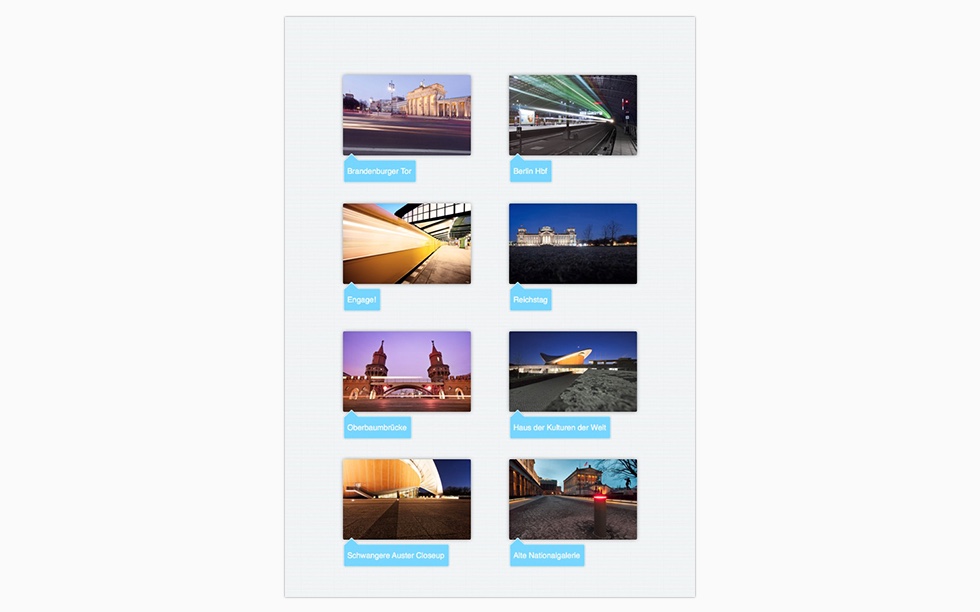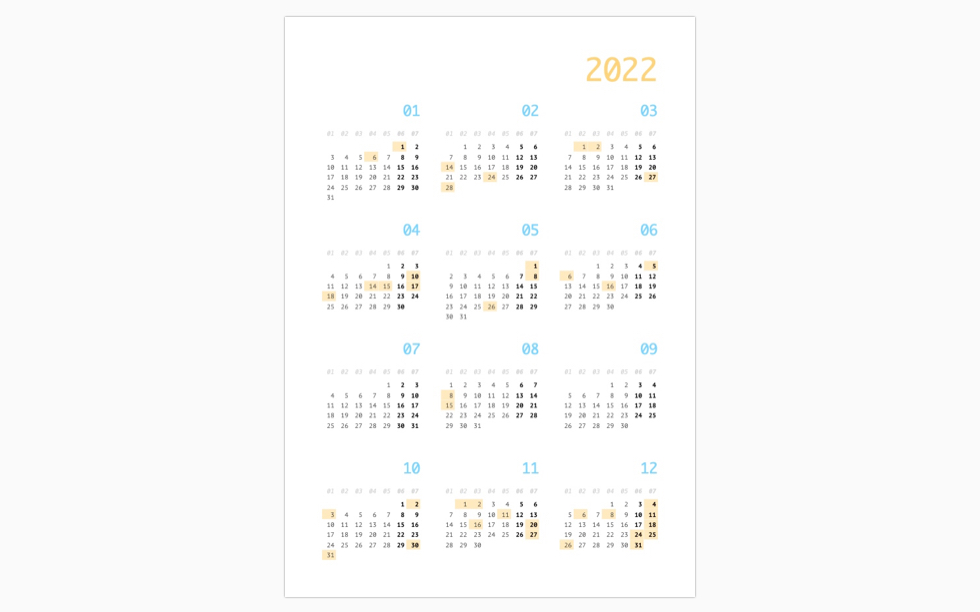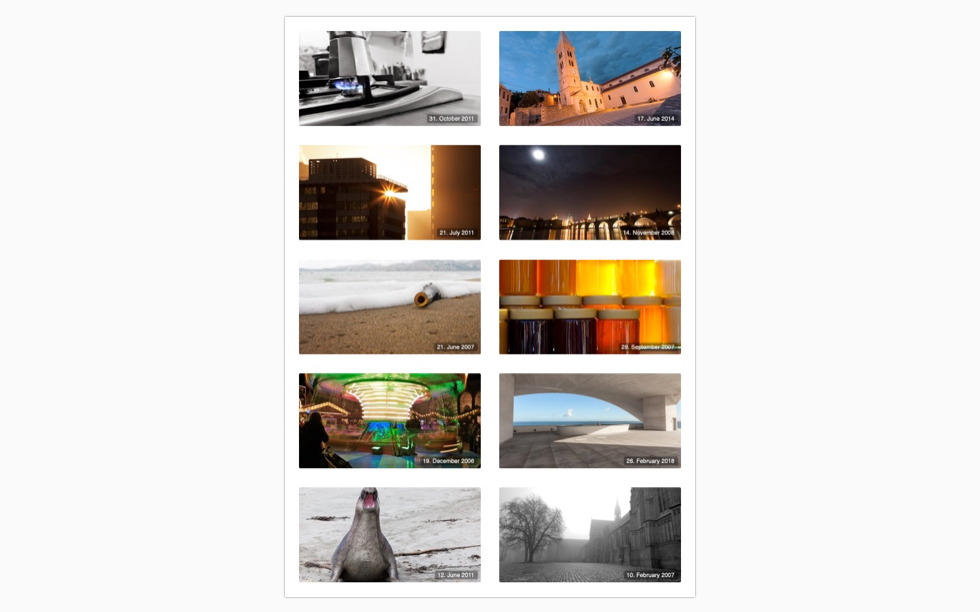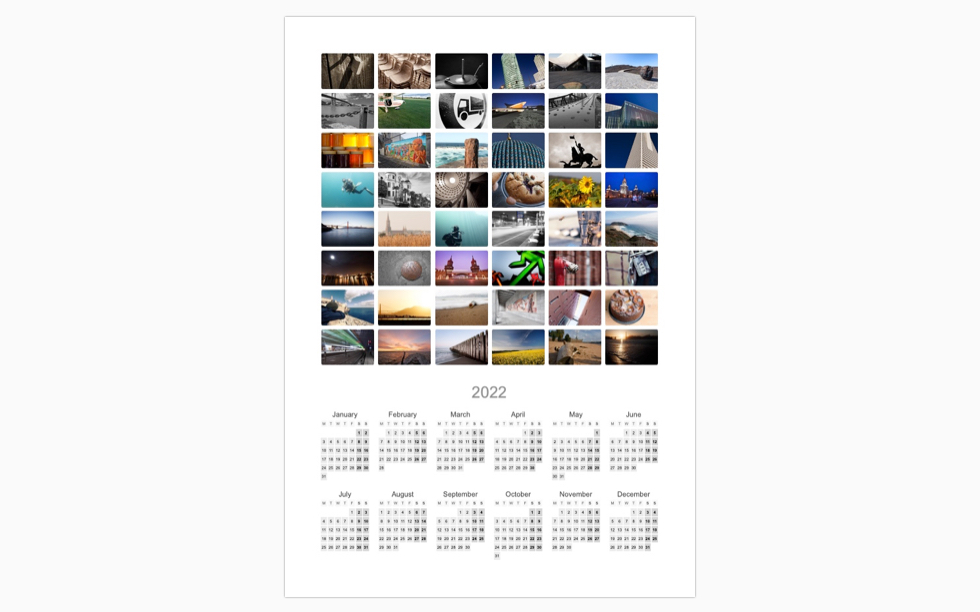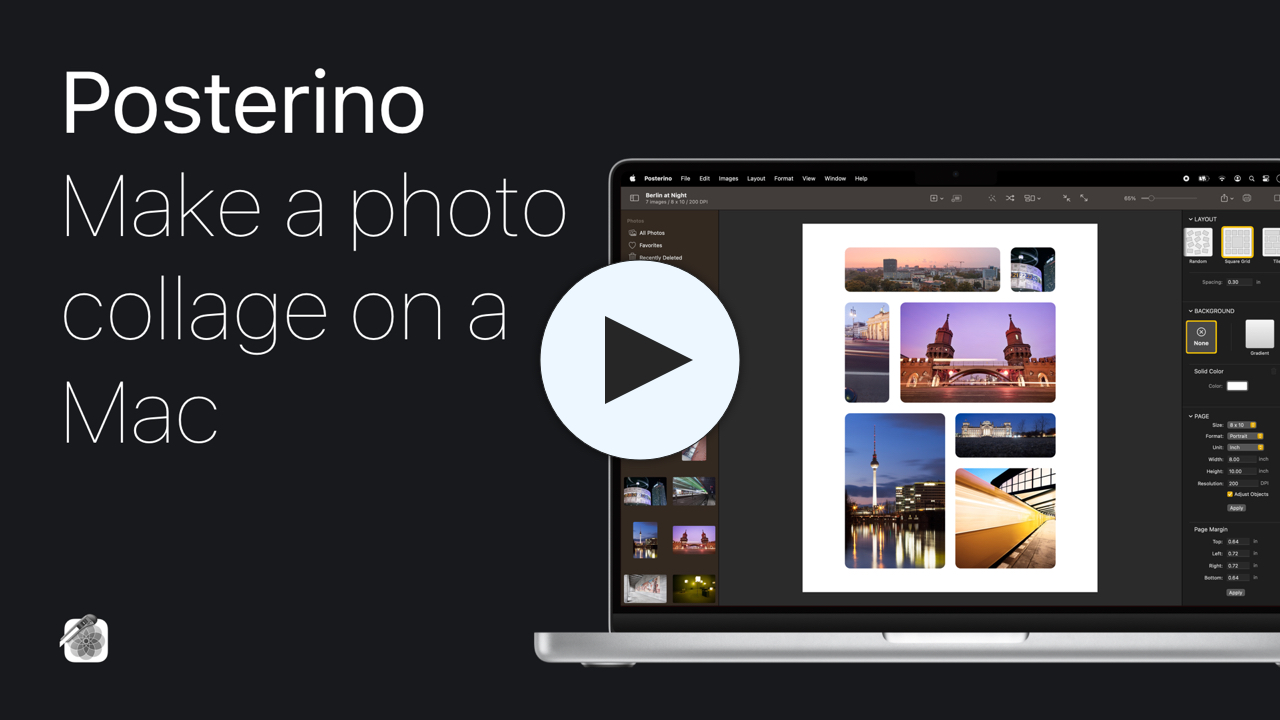

Posterino provides a solution for the common problem we face in the age of digital images: We shoot a lot of marvelous pictures, bury them deep down in the file system of our computers and most of them never see the light of day again. The solution is simple: Compose a "best of" poster every couple of months and pin it on the wall in your hall. This will make you happy every time you walk by, and it will be a great eye-catcher for your friends and family too.
Your Photos
Postcards
Send the highlight of your last weekend trip as e-mail or as a real postcard
Posters
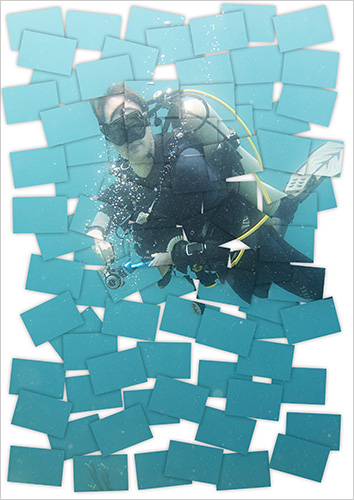
Place several dozens of your images onto one single poster and create your personal 'life posters'
Do you want to compile a "best of" of your photos from the last several month or create a breathtaking present? No problem...
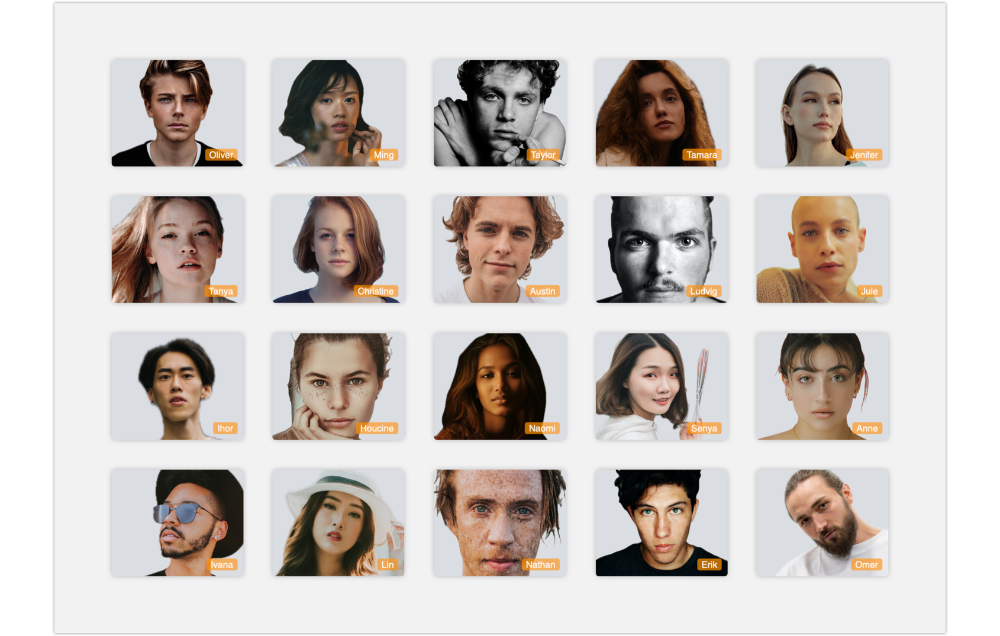
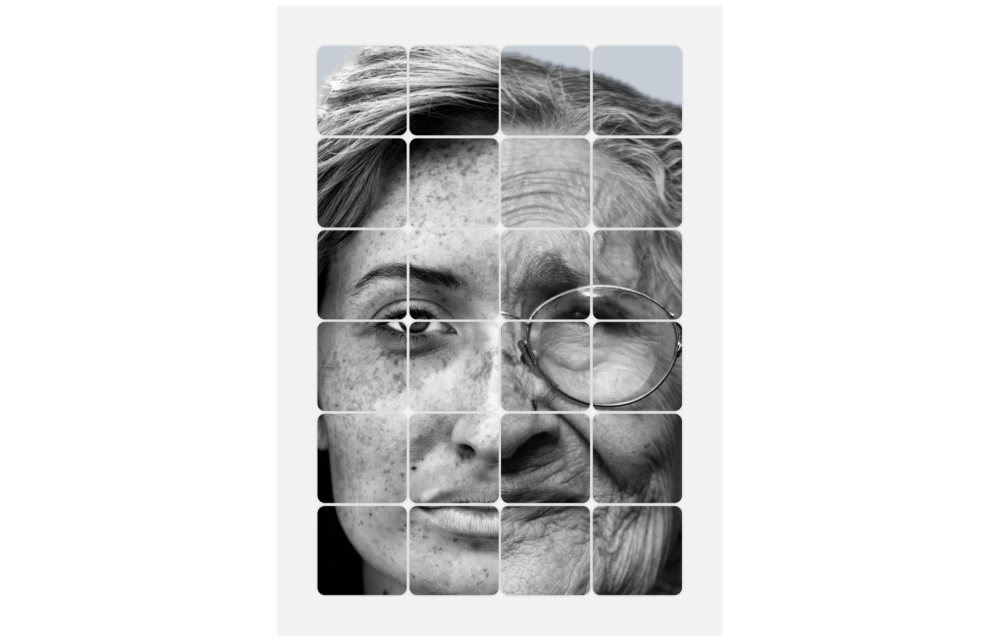
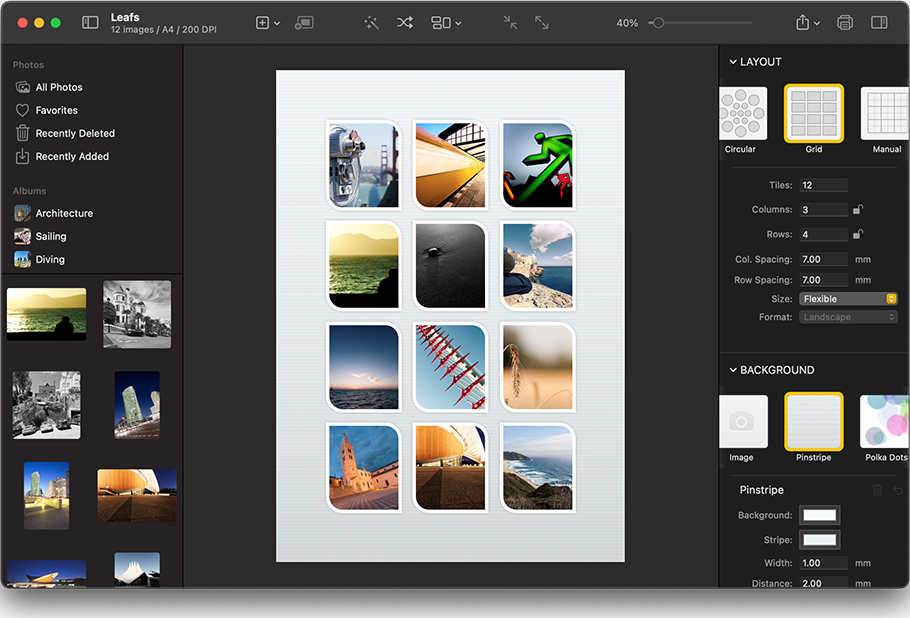
Templates Posterino offers a variety of templates for posters and photo frames, with grids of identically sized frames or with mixtures of shapes and sizes. And best of all, you can create your own templates too.
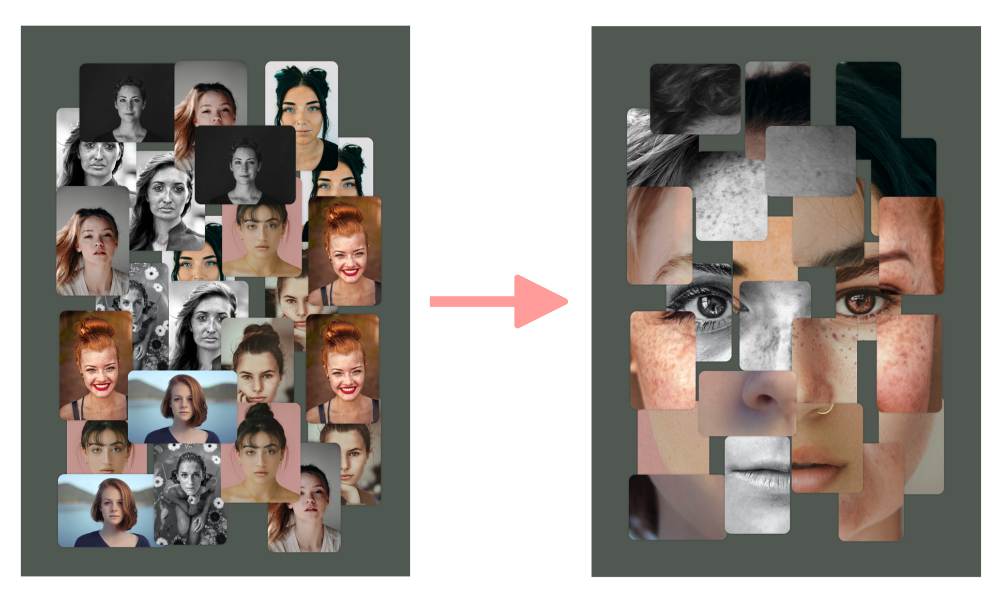
Fast & Easy Get started in minutes. Placing dozens of photos onto a poster needs some time and serious work. Posterino will help you by doing the major part of the hard work while you just have to fine tune the results. Choose or shuffle you pictures with just on click.
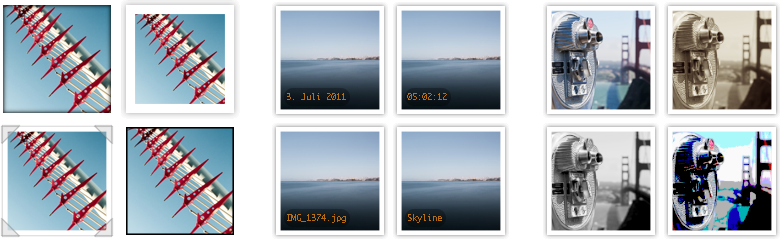
Fine Tuning You don't have to stick with the presets Posterino did choose. You can alter your poster in any way you want. For example, you can change the size and shape of individual frames and adjust the placement of each image within its frame. Crop, place and rotate your photos as you like. It's a breeze. A grid layout helps you position your images just right.


Customization You can choose from a varity of border sizes, shapes and shadows. You can chagen the background of your poster and add custom text.
Poster Printing You have various options to print your poster: Use the Kodak print service build into iPhoto or a local or internet based print shop.
Do you want to send your family a highlight of your last weekend trip? No problem, choose a postcard template, a photo, type some text and send your document as...
|
E-Mail Sending your last weekend trip via e-mail is a very fast way to show your photos to your friends and family. You can send your postcards using Mail, Eudora or any mail application you like.
|
|
|
Postcard Sending your last weekend trip via a real postcards is a very cool way to show your photos to your friends and family. The quality of the postcards is gorgeous. Try it, you will love this feature.
|
|
| |
Every Posterino license includes a coupon good to send three free postcards.
Price per postcard:
| 1 Card |
3.99 US$ |
2.99 EUR |
2.90 CHF |
| 2-10 Cards |
2.00 US$ |
1.55 EUR |
2.50 CHF |
| 11-50 Cards |
1.80 US$ |
1.35 EUR |
2.20 CHF |
| 51-100 Cards |
1.70 US$ |
1.30 EUR |
2.10 CHF |
| 101-500 Cards |
1.55 US$ |
1.20 EUR |
1.90 CHF |
| 501-1.000 Cards |
1.40 US$ |
1.05 EUR |
1.70 CHF |
|
|
Photo Import Use images from iPhoto, Aperture, Adobe Lightroom or from disk.
Export Posterino lets you export your poster or postcard as TIFF or JPG. Ready to be processed via the iPhoto Kodak print service. Or upload your images to Flickr.
Flickr Upload your images to Flickr right from within Posterino. Have a look at the images already tagged.
Demo Limitations The demo version of Posterino is fully functional. However, it will inscribe the words 'Posterino Demo' in large friendly letters on top of your document.
Localization Posterino speaks English, German, French and Japanese.
Universal Posterino is a universal
application, that means it is made to run on both Intel- and PowerPC-based Mac computers.
System Requirements
- Mac OS X Version 10.4 Tiger or later
- 20 MB Hard Drive space
- Internet Connection (Sending Postcards or Flickr Uploads)
- A lot of RAM to render large posters
References
FAQ